Deadline workflow
Backflow test deadline: turn the due date into a completed record
Work backward from the issuer deadline: identify the assembly, schedule the eligible test, reserve time for repair and retest, then verify submission.
Work backward from the issuer deadline: identify the assembly, schedule the eligible test, reserve time for repair and retest, then verify submission. The deadline is not met by merely booking an appointment.
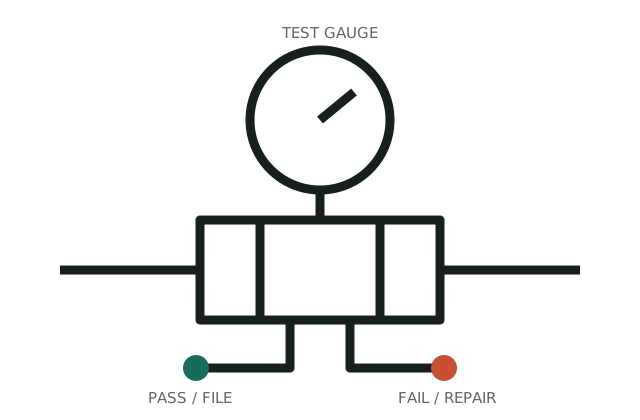
Treat an approaching deadline, uncertain asset match, or failed result as an immediate coordination issue rather than a routine scheduling task.
Interactive check
Turn observations into a next step
This narrows the route. It does not replace an on-site test, manufacturer instructions, or local requirements.
Evidence sequence
Move in this order
- 01
Establish the exact record
Record issuer, account, device, due date, credential rule, and submission route.
- 02
Define the specific scope
Schedule early enough to diagnose, repair, retest, and correct a submission error.
- 03
Prove the closeout
Save the result and official receipt or portal confirmation with the original notice.
Identification notes
What to look for
- The deadline belongs to the issuer notice, not a generalized annual calendar.
- A failed result can create repair and retest work before filing is possible.
- Submission confirmation is distinct from a passing field result.
Safe observations
What you can check without taking it apart
- Use the contact information on the official notice.
- Check whether the due date is device-specific or account-specific.
- Ask who monitors submission acceptance after testing.
Stop conditions
Move to qualified help when
- The notice device does not match the site asset.
- A passing report has no documented recipient or confirmation.
Boundary check
Do not confuse this path with
- A generic service listing does not establish program eligibility.
- A device family is not enough to identify compatible parts.
- This page does not replace a qualified assessment or authority approval.
Official local layer
Your utility sets the rule
Use the governing utility or authority requirement and exact manufacturer documentation to validate this specific decision path.
Evidence ledger
What this decision path is built on
Use the governing utility or authority requirement and exact manufacturer documentation to validate this specific decision path.
- 01U.S. EPA · EPA-CCC-001Cross-Connection Control ManualBackflow, backsiphonage, device families, hazard protection, testing, and program responsibility. Verified 2026-08-02.
- 02Watts · WATTS-RPZ-009Series 009 reduced pressure zone assemblyRPZ construction, relief discharge, installation constraints, service literature, and local-code warning. Verified 2026-08-02.
Continue the case
Related next steps
CONTENT REVIEWED · 2026-08-02